Per-user audio tracks from Discord voice channels. Consent-based, clean, and ready for editing. Built for podcasters, actual-play creators, and content producers.
Everything you need to record Discord calls with separate tracks for each participant.
Each participant gets their own separate audio file. Edit, clean up, or remove individual voices without touching anyone else's track.
Users must opt-in before being recorded. The bot announces when recording starts and who has given consent — no surprises, no gray areas.
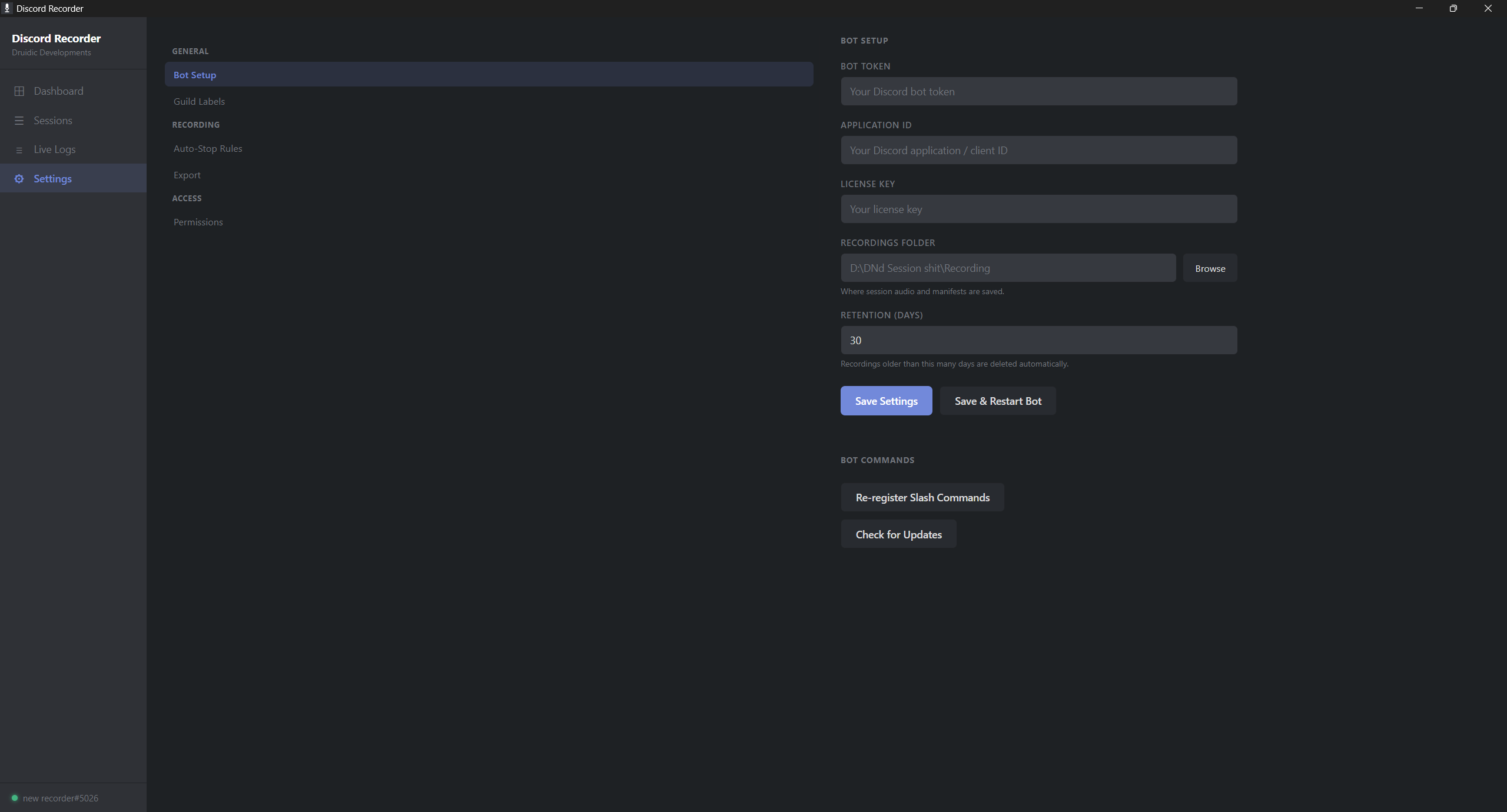
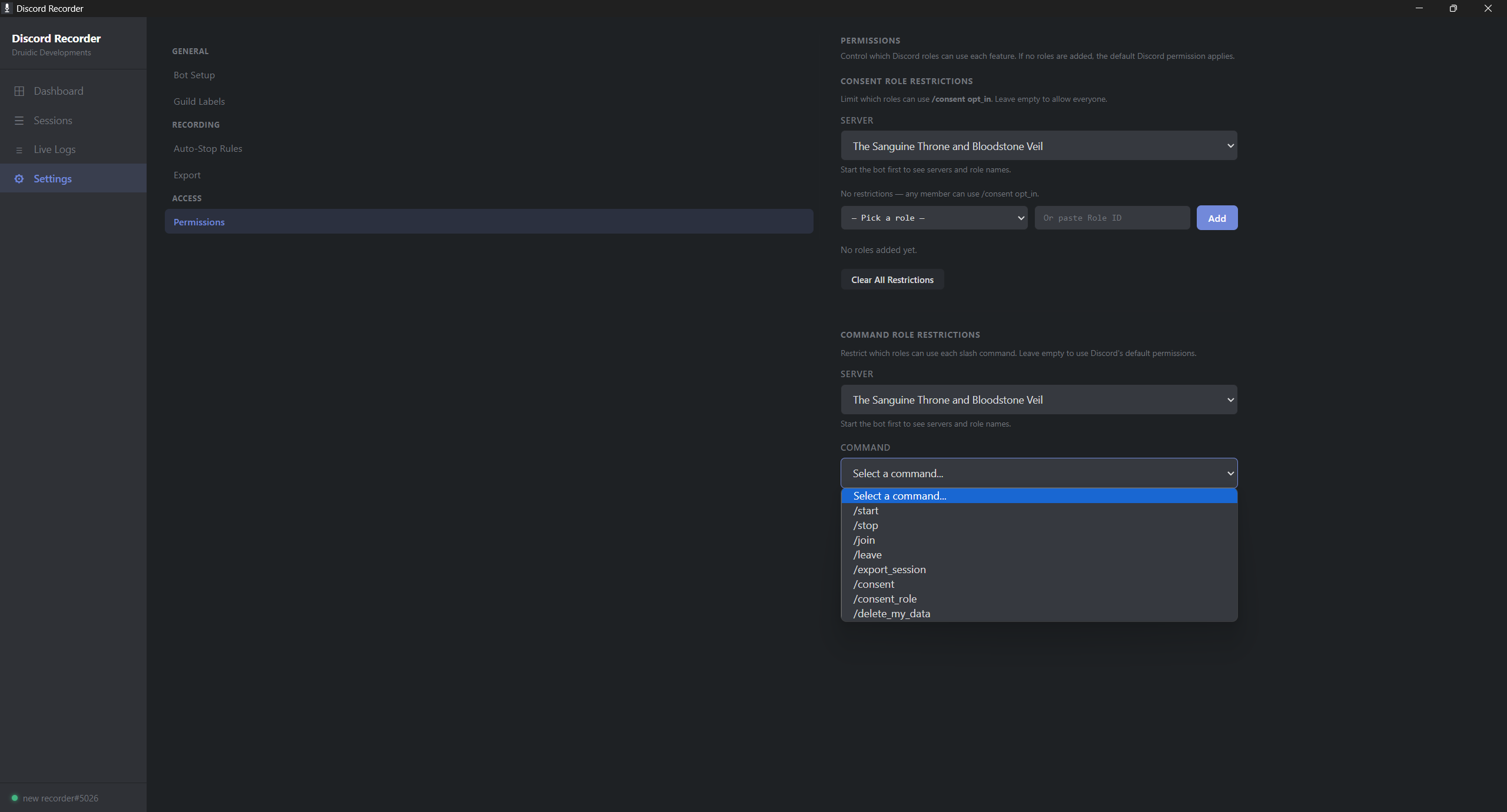
A lightweight bot that joins your voice channel, manages consent, and handles recording. Simple slash commands — no complicated setup.
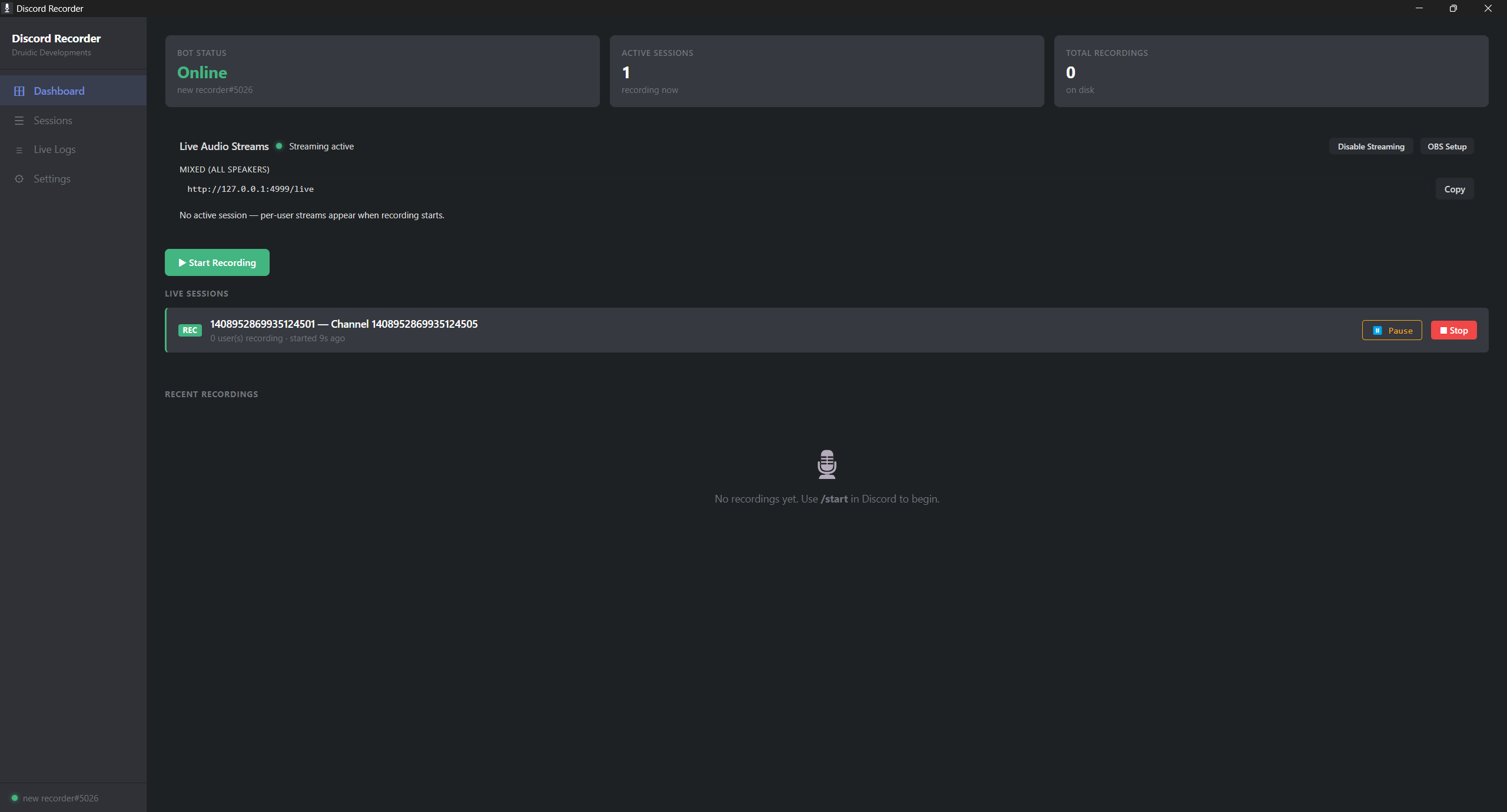
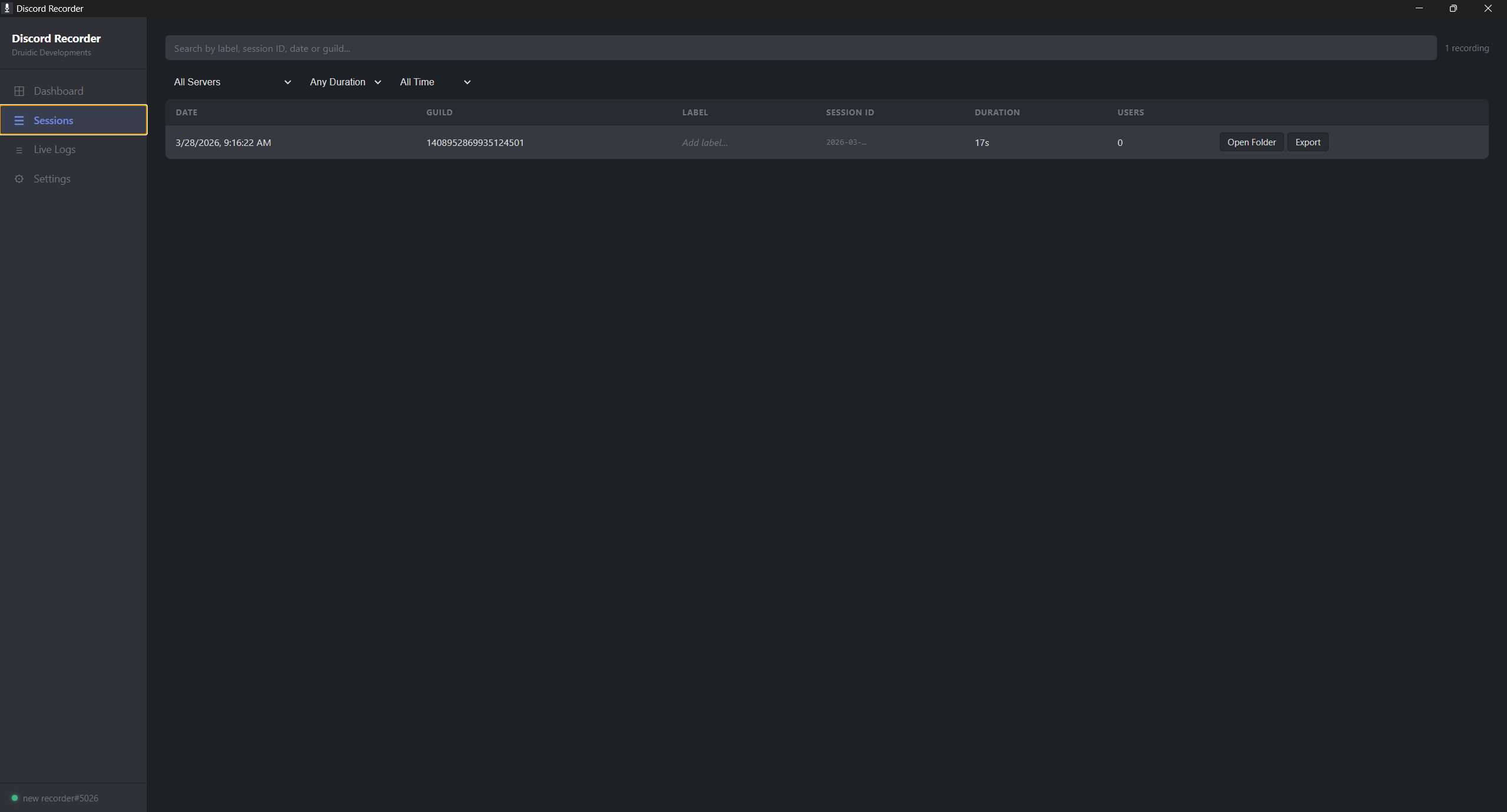
A clean desktop app to manage recordings, monitor active sessions, and export files. See who is recording and who has consented in real time.
Export individual tracks or a combined mix. WAV for lossless quality, or compressed formats for quick sharing. Drop them straight into your DAW.
Minimal CPU and memory usage. Runs quietly in the background while you focus on your conversation. Built to not drop audio mid-session.
Download Discord Recorder, run the installer, and add the companion bot to your Discord server with one click.
Use a simple slash command in your voice channel. The bot joins and asks participants for consent before recording begins.
Each consenting user gets their own audio track recorded simultaneously. Monitor the session from the desktop app.
Stop recording, export your tracks, and drop them into Audacity, Reaper, or whatever DAW you use. Clean editing, no cross-talk.
Stop fighting with mixed-down audio. Discord Recorder gives you clean, per-user tracks with built-in consent. One purchase. No subscriptions. All future updates included.